
Last days to request a postal vote for 29-N
The deadline to request a postal vote for the general elections of November 29 ends on Thursday the 19th.
ElOnubense newsroom ·
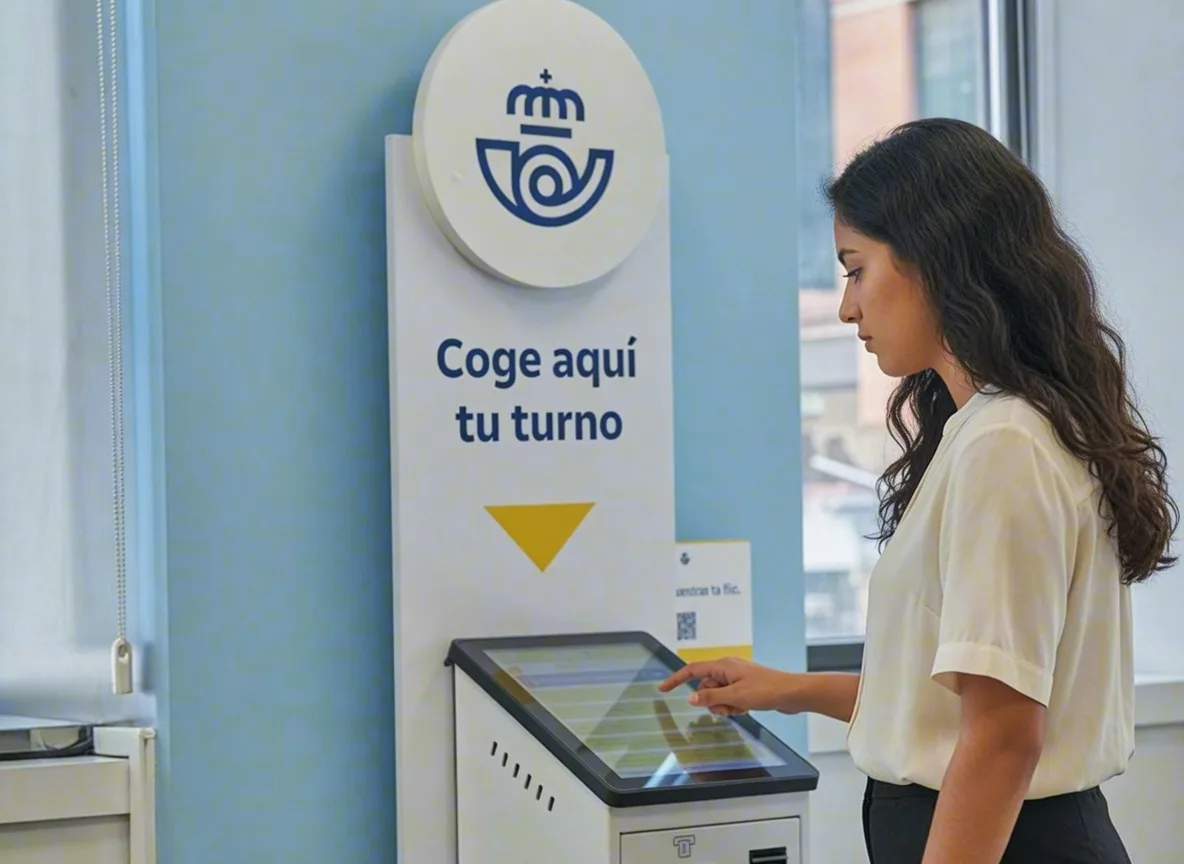
Anyone who wants to vote by post in the general elections on 29 November has until Thursday, November 19 to request it. The application for the certificate of registration in the Electoral Census is the mandatory prior step to be able to cast a postal vote, as Correos details.
The procedure can be done in two ways. Online, on the Correos website, without needing to go to an office. In that case you must identify yourself with an electronic signature: certificates for individuals recognised by the Ministry of Industry or the electronic ID (DNI-e) are valid.
The other way is in person, at any Correos office in Spain. The request must be made personally by each voter and the original DNI, passport or driving licence must be presented. Only if an illness or a disability certified with an official medical certificate prevents doing so in person can another person authorised by notary or consulate present it.
To avoid waiting, Correos offers an appointment through its app, its website or the Virtual Office. You just have to choose the office that has one available and the day and time.
Once the application is accepted by the Electoral Census Office, it will no longer be possible to vote at the polling station on election day. The documentation to vote arrives at the address indicated in the application, which does not have to be your usual home. The Electoral Census began sending it on 9 November.
The vote already cast can be deposited until Wednesday, November 25, during the usual opening hours of Correos offices.
In short, to vote by post you must request the certificate on the Correos website or at an office until Thursday, November 19, wait for the documentation at the indicated address and deposit it until Wednesday, November 25.
Breaking news from News, on your phone
An alert only when something can't wait. Free, no account needed.
On iPhone, alerts only arrive if you first add ElOnubense to your Home Screen. How to do it, step by step
This browser can't receive alerts. Try another one, such as Chrome or Safari.
You've blocked alerts from ElOnubense in this browser. You can turn them back on in its settings. How to do it, step by step
Only what can't wait. Change or remove it in my alerts
Shall we let you know what matters?
Phone alerts
On iPhone, alerts only arrive if you first add ElOnubense to your Home Screen. How to do it, step by step
This browser can't receive alerts. Try another one, such as Chrome or Safari.
You've blocked alerts from ElOnubense in this browser. You can turn them back on in its settings. How to do it, step by step